ZFS
Root on a ZFS pool. Datasets, snapshots, send/recv, mirror and raidz vdevs. Pool grows to your volume; vdev remove where the topology supports it.

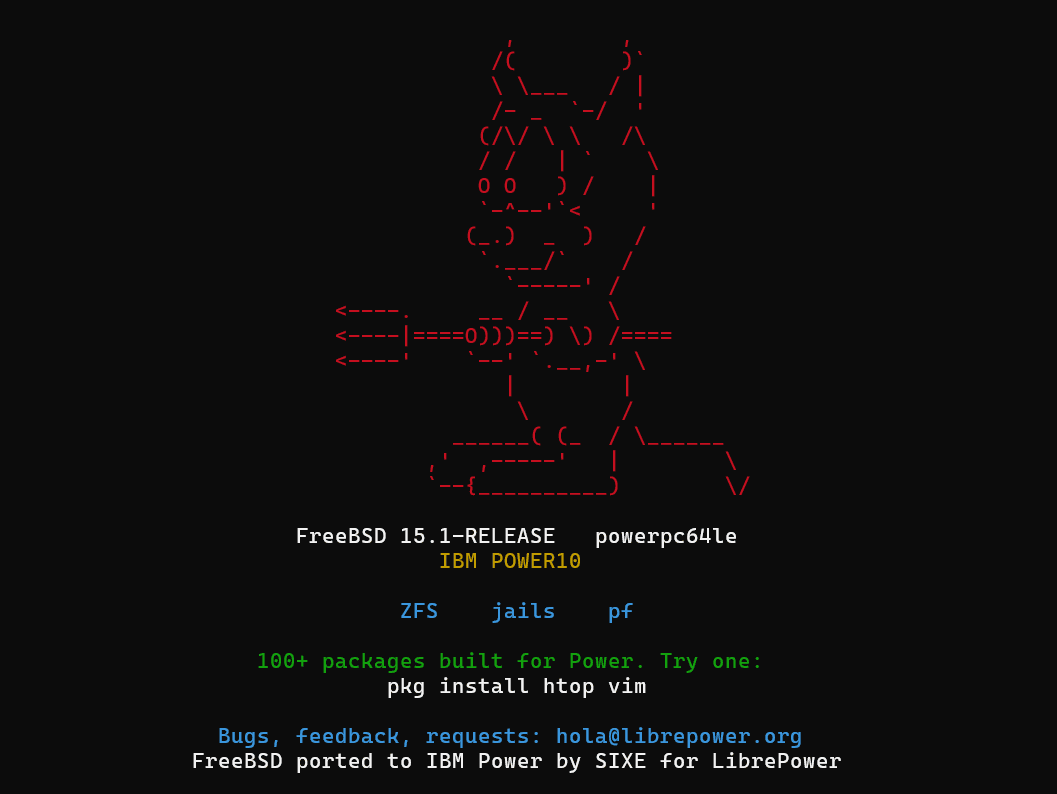
FreeBSD 15 on a PowerVM LPAR, with a matching pkg repo for ppc64le.
5de43314fe04ad4b393fb47017c8a3c5e180f441b4b8463fb0897cd66d154c36
Four things, same region.
us-south, even from a Madrid workspace. Import reads from here.$ ibmcloud login $ ibmcloud plugin install power-iaas $ ibmcloud plugin install cloud-object-storage
us-south, even if your workspace is in Madrid. Bucket in eu-es fails at imageDownload in under 30 seconds with a message that never mentions the region. Bucket in us-south imports in ~4 minutes.No OK, no continue.
$ sha256sum -c librepower-freebsd-beta_v0.5.ova.gz.sha256
$ ibmcloud cos upload \
    --bucket       <bucket> \
    --key          librepower-freebsd-beta_v0.5.ova.gz \
    --file         librepower-freebsd-beta_v0.5.ova.gz \
    --region       <region> \
    --content-type application/gzip
Use the CRN. The console short id won't work.
$ ibmcloud pi workspace list
$ ibmcloud pi workspace target <CRN>
Returns a job id. Poll it.
$ ibmcloud pi image import freebsd-beta \
    --image-file-name librepower-freebsd-beta_v0.5.ova.gz \
    --bucket       <bucket> \
    --region       <region> \
    --access-key   <hmac-key> \
    --secret-key   <hmac-secret> \
    --storage-tier tier3

$ ibmcloud pi job get <job-id>
Read the storage pool from the image you imported. A wrong pool returns a rejection with no useful message.
$ ibmcloud pi image get <image-id>          # note the storage pool

$ ibmcloud pi instance create freebsd-1 \
    --image          <image-id> \
    --subnets        <subnet-id> \
    --memory         <GB> \
    --processors     <count> \
    --processor-type shared \
    --sys-type       <system type> \
    --storage-tier   tier3 \
    --storage-pool   <pool from image get>

$ ibmcloud pi instance get <instance-id>   # wait for ACTIVE
Log in as root / freebsd (password expired, choose a new one), then configure the network by hand.
$ ibmcloud pi instance console get <instance-id>
PowerVS assigns an address to each LPAR but never serves it over DHCP. Waiting for a lease hangs forever.
Configure the interface once from the console with the values in the partition's network panel — IP with prefix, gateway, MAC. Persist with sysrc(8).
llan0/llan1). Only one faces the platform network — the one whose MAC matches the panel. Confirm with ifconfig | grep -B3 ether.pkg is on ppc64le already. Upstream repo off — it would only error.
# pkg update
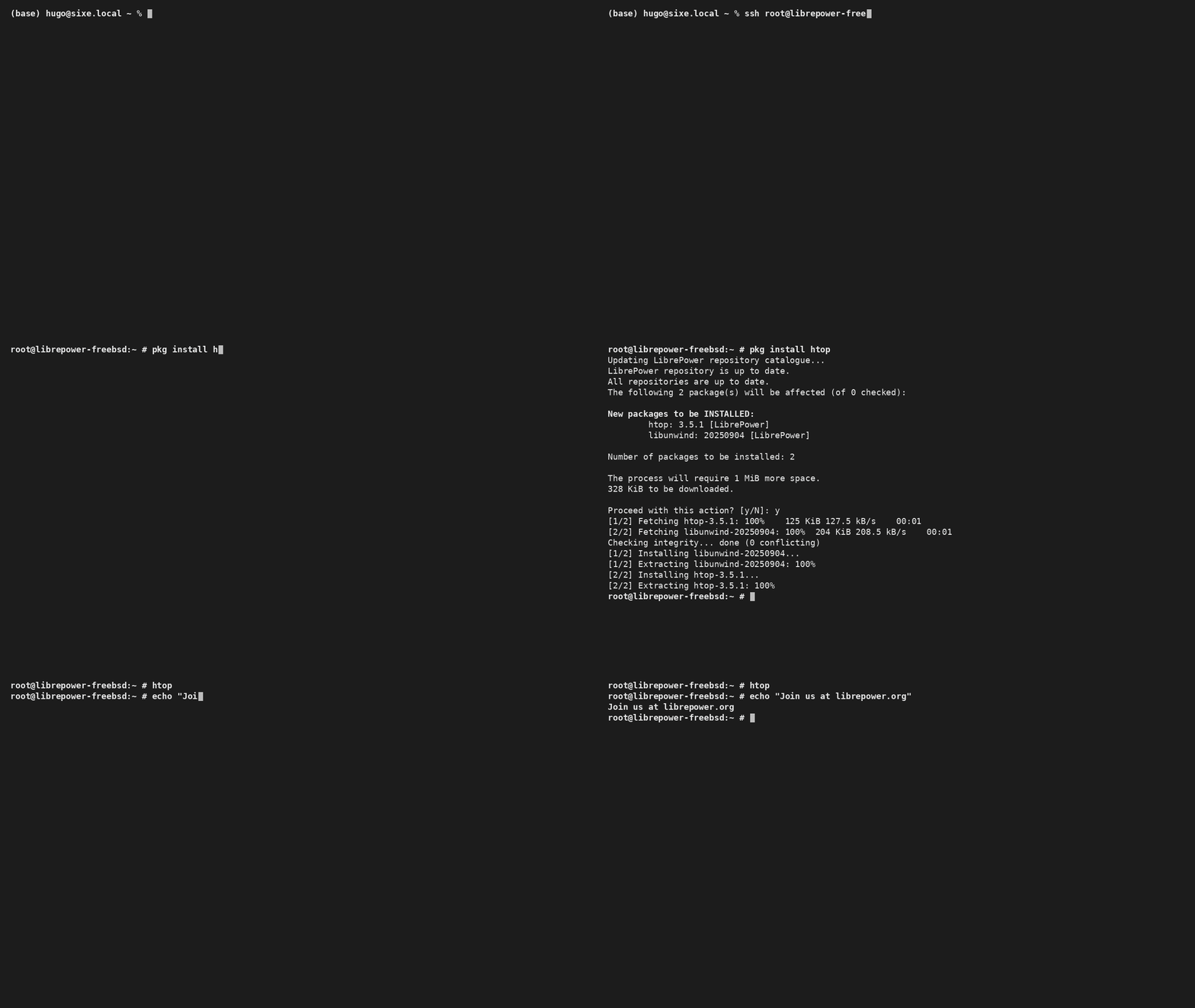
# pkg install htop vim
Root on a ZFS pool. Datasets, snapshots, send/recv, mirror and raidz vdevs. Pool grows to your volume; vdev remove where the topology supports it.
pkg on ppc64leLibrePower repo enabled by default. Upstream disabled — it doesn't build for this arch. Repo grows as we build; request what's missing.
pf firewallLoaded and rate-limiting new SSH by default. Small ruleset, meant to be extended with your policy.
powerpc64le releases; the PowerVM LPAR changes are carried in this image.pkg use?powerpc64le. Upstream disabled — it doesn't build for this arch.ports, compliance docs) is available on top — email hello@librepower.org.uname -a, ibmcloud pi instance get, and what you saw vs what you expected.
Beta v0.5 · 359 MB. What you break decides what v0.6 fixes.